
Download the Zable app
Download the Zable app to get started

35,000+ reviews across Trustpilot, App Store and Google Play
Download the Zable app to get started
Instantly use your virtual card
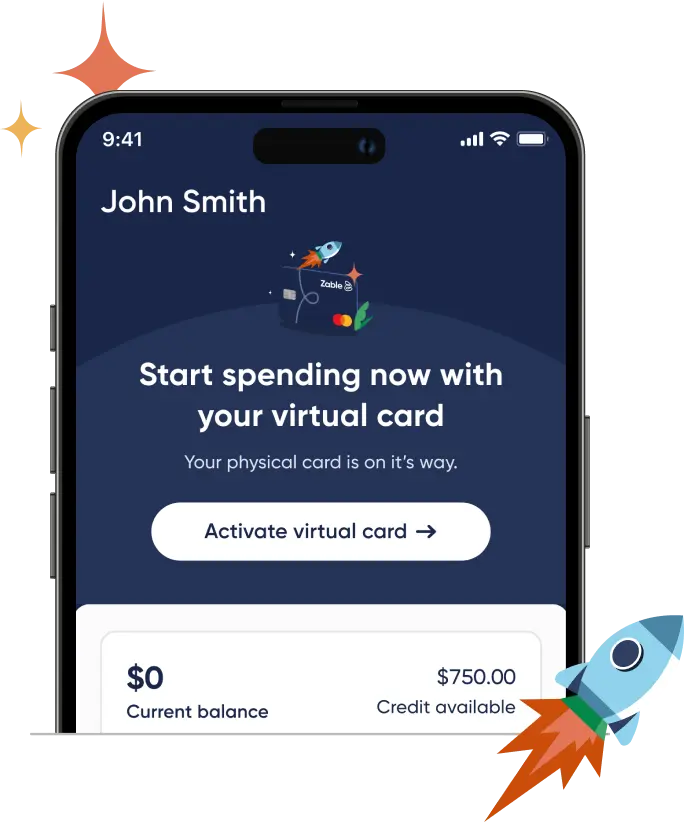
You can start spending straight away with your virtual card on the Zable app.
Track your transactions and payments
Stay up to date and have a full view of your spending and payments.
Activate your physical card
Then get access to your full credit limit after making an in-store purchase.
3 easy steps to start using your card
 Download the Zable app
1
Available on the App Store or Google Play on your phone
 Log in with your email
2
Use the email you applied with:
your.name@email.com Activate your card
3
Use your virtual card to make online purchases until you receive your physical card
Why our customers love Zable
Why our customers love Zable
Build your credit rating
Zable reports to all three major bureaus. Stay within your limit and make your payments on time to improve your score.
Access to an instant virtual card
Start spending on your virtual card after completing your application.
Fast and friendly support
No robots, just people. Get help in minutes.